The Router's Model Number Comes Before My Update Plan
Before changing a household router, I want to know exactly which device it is, who manages it and which official instructions belong to that particular version.
The phrase update the router sounds like a single task. I see several decisions inside it: identify the equipment, establish who maintains it, find the applicable instructions, and choose a time when a change will not leave somebody stranded. The model name printed on a box is not an invitation to download the first file with a similar name. I would rather begin with a short, accurate device note than hurry toward an update button I do not yet understand.
Consider a hypothetical family in which Lena works from home and her father, Martin, arranged the internet connection. They call the equipment beside the television the Wi-Fi box. Neither initially remembers whether it belongs to the provider or was bought separately. Their example is invented to make the decisions visible; it is not a router I have tested or an incident I investigated. The useful result is a supported maintenance plan, not a promise that a particular device is secure.
First I identify which box I am discussing
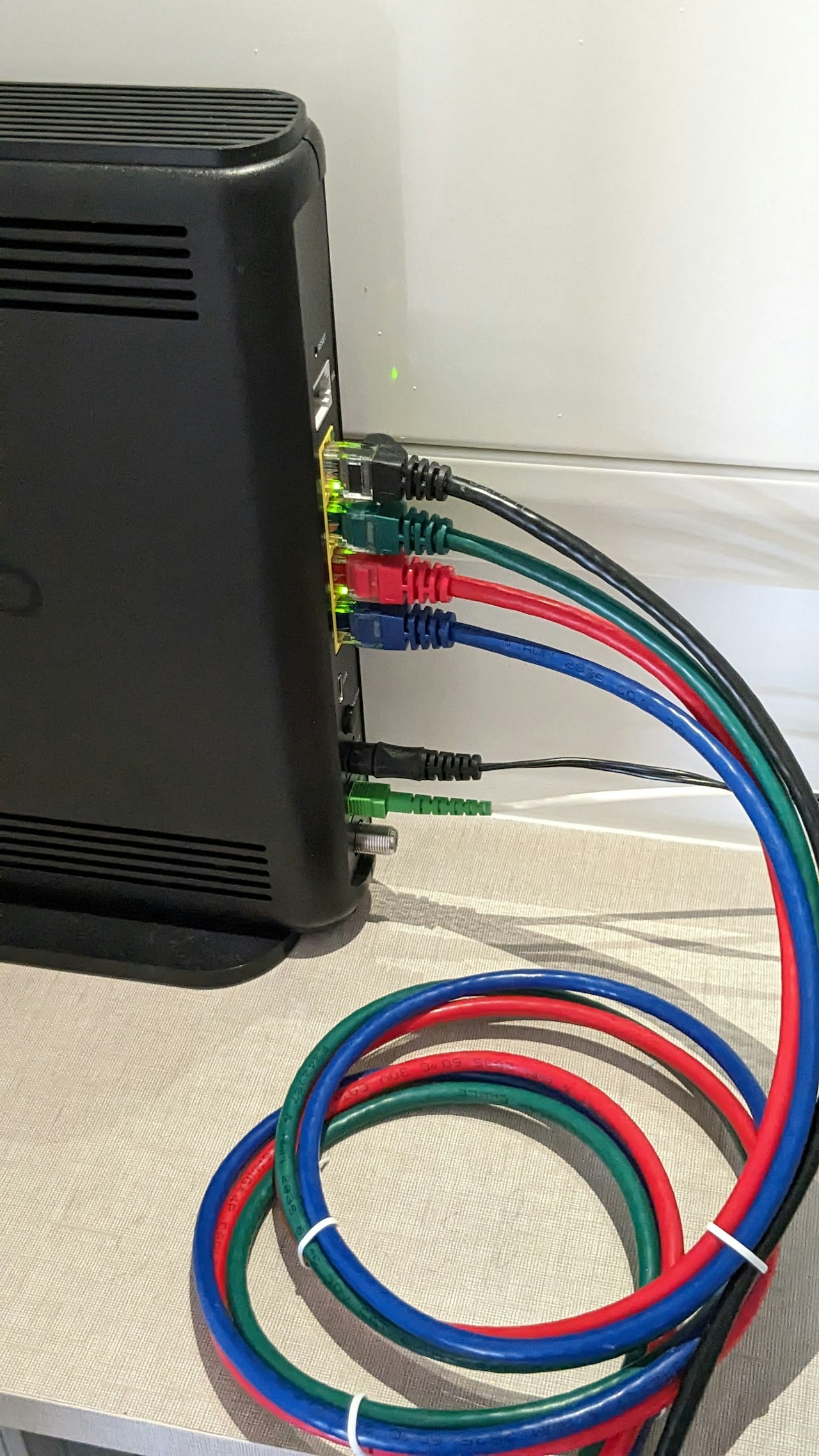
I would ask Lena and Martin to start with the equipment they can identify safely, without unplugging it or pulling on tightly routed cables. A home may contain more than one relevant device. The object beside the television might not be the same piece of equipment the provider's message describes. Before anybody changes a setting, I want the conversation to point to one specific item rather than a general patch of blinking lights.
Their note would record the maker, full model name and any version information the official instructions ask them to find. A clear photograph of the label can help privately, but it should not be posted publicly with passwords, account identifiers or other sensitive details visible. I would keep the note where the authorized people maintaining the connection can find it, rather than paste it into a group chat that includes visitors.
The FTC recommends checking the manufacturer's website for router software updates and asking an internet provider whether it supplies automatic updates to provider-issued equipment. That gives this family's first question a practical purpose. Establishing the equipment's identity and management arrangement determines which person or organization should handle the next step. It is not an invitation to open the casing, experiment with a reset pin or try administration credentials found in an unsolicited message.
The hardware revision belongs beside the model name
Two devices can have very similar names without sharing every applicable file or procedure. I would make a space for the hardware revision in the family note rather than rely on a photograph of the front of the device. If Lena cannot find the information in the places described by its maker, the next task is to ask support how to identify it. Guessing is not a useful substitute for an identifier that the update instructions explicitly require.
TP-Link's official Wi-Fi-router guide illustrates why this matters. It asks users to match the hardware version and purchase region, and warns that an incorrect firmware file can damage a device. Its procedures also differ by support for its cloud service. These are TP-Link-specific instructions, not a menu map for every router. I use the example to explain why a general article cannot responsibly supply one download and one sequence of clicks for everybody.
Suppose Martin finds two saved support links that differ by a small version label. I would not choose whichever page appears newer or offers the larger download. Their note needs to explain which link matches the actual equipment and why. A support question with the complete model, relevant revision and purchase or provider context is more useful than a vague request for the newest firmware. The person answering should not need to guess which product the household owns.
I separate the three kinds of access
The family can connect to Wi-Fi without necessarily having permission or credentials to administer the router. They may also have an account with the internet provider. I would keep those roles separate on paper. Otherwise, a conversation about checking software can turn into repeated attempts to enter the wrong password on an unfamiliar page, followed by an unnecessary reset because somebody assumes the device has stopped working.
The FTC specifically distinguishes the Wi-Fi network password from the router's administrative password. In Lena's example, knowing the first tells her how her laptop joins the network; it does not settle who should alter the equipment. I would record who is authorized to manage the router and where the relevant official access instructions are kept, without writing a shared list of secrets in a casual household notebook.
If the provider manages the device, Martin can ask about its update process through the provider's independently located support channel. If the family owns it, they can work from the maker's current instructions. A relative who is comfortable with computers can help interpret that information, but technical confidence does not create ownership or permission. I would agree on the scope of help before handing over administrative access, especially when more than one household depends on the connection.
An official route is more useful than an urgent link
I would have Lena begin from the manufacturer's established support site or an already trusted provider account, rather than a firmware link in an unexpected email. The word update does not make a message trustworthy. She can use the device note to locate the relevant product information and then compare the instructions with what is actually installed. A search result is a route to evaluate, not evidence that every download offered under a familiar logo belongs to the maker.
Before downloading anything, I would look for a coherent chain: the right organization, the exact supported product page, the matching version and region where relevant, and instructions that explain what the proposed change does. If one part is unclear, the next entry in the family note is a question for official support. I would not fill the gap with a file from a discussion-board attachment or with a similarly named model's instructions.
I would also keep the research stage small enough to finish. Lena does not need to compare every router on sale or collect screenshots of every setting. She needs a defensible answer to what is this device, who maintains it and what official procedure applies now. That is useful even if the answer is that the provider handles updates, or that support must clarify the model before a manual task can safely be planned.
I schedule the maintenance before starting it
Once the appropriate procedure is clear, I would ask who will notice if the connection is interrupted. In this example, Lena has a work call and Martin expects a household member to check in online. Those commitments do not justify indefinitely postponing a necessary security update, but they should shape a prompt, realistic maintenance window. The household can tell people what is happening and choose another means of communication if one is needed.
The manufacturer's directions decide the technical prerequisites. For example, TP-Link's manual-update guidance addresses configuration backup, a wired connection and avoiding power or cable interruption during the process. I would read the applicable instructions completely before starting, including any reset or reconfiguration warning. A backup or file meant for a different device is not a general recovery tool, and this article does not authorize a generic restoration procedure.
In Lena's planning note, I would include the support route, the expected interruption, the person carrying out the task and the point at which they would stop and seek help. I would keep any saved configuration protected as sensitive information according to the maker's guidance. The note is meant to support a careful change, not persuade somebody to begin because they have already invested an evening researching it. Not understanding a required step is a valid reason to ask before proceeding.
The completion note describes what was actually checked
After a supported update process finishes, I would record the version reported by the relevant official interface and the date of the check. Lena and Martin can then confirm that their normal authorized devices and essential household uses work as expected. I would not describe a successful restart, a green light or one working website as proof that every security setting is correct or that the network has never been compromised.
If something fails, the useful response is the maker's or provider's documented support process, with the device note and the observed problem ready. I would avoid a chain of guesses that includes repeated power interruption, unrelated downloads or a factory reset simply because those actions are familiar. A precise record of what was attempted and what the equipment now reports gives support something more useful to work with than it is still broken.
The final note should also leave a next review route. A household can know where the official product page is and whether the provider or an authorized person handles future maintenance without inventing a fixed support lifetime. An old download date alone does not establish an end-of-support date, and a new-looking page does not guarantee ongoing protection. If support status is unclear, I would ask the organization responsible for that exact device.
The device note should reduce dependence on one person
I would test the note by imagining Martin unavailable when the next maintenance question arrives. Could Lena identify the equipment and find the appropriate support channel without being given his personal account password? Could she tell whether a proposed task belongs to the provider? That is the continuity I want. A page full of copied technical terms is less useful than a short explanation of who does what and where the authoritative instructions live.
This is deliberately a maintenance file rather than a complete home-network hardening guide. The FTC's broader guidance covers additional protections; individual households may need further help for their circumstances. Identifying a router does not complete those tasks. It does, however, give the next task a reliable subject. I would rather leave the family with that clear starting point than with a confident-looking checklist attached to the wrong box.
Frequently asked questions
Is the Wi-Fi password also the router administration password?
Not necessarily. The FTC distinguishes network access from administration. Use the official instructions for your equipment and keep the provider account separate as well. Do not assume that knowing how to join the network gives someone permission to change its settings.
Can I use firmware for a model with almost the same name?
Do not substitute a similar model's file. Match the identifiers required by the maker, including relevant hardware revision and region. If that match is uncertain, ask official support before downloading or applying a file.
Should I manually update a router supplied by my internet provider?
First ask the provider how it manages that exact equipment. Some provider-issued routers receive updates through the provider. A retail product's instructions may not describe the device or service arrangement in your home.
Does a successful update prove the home network is secure?
No. It establishes only the result you actually verified, such as the reported software version and restored normal use. Other settings, devices, accounts and possible incidents require their own assessment. Avoid treating one maintenance action as a security certificate.
What belongs in a family router note?
Record the full device identity, relevant version information, who manages it, the official support route, the date of the last check and any unresolved question. Keep passwords and sensitive saved configurations protected separately rather than posting them in a general family chat.
Putting it into practice
Lena and Martin's most useful first result would be a shared understanding of the equipment, not a new setting. The short device note connects the real router with the right organization and instructions, then leaves room for a planned change and an honest completion record. That is how I would make the next update less dependent on guesses.
A shared computer can collect useful tools long after the original task is over. Here is how I would review one extension without turning a routine check into a household argument.