Family devices
Give Family Devices a Reliable Update Window
A small arrangement for power, time and restarts can keep routine updates from becoming an endless reminder.
Verify what you need on the replacement device before following the old phone’s official sign-out and erase process.
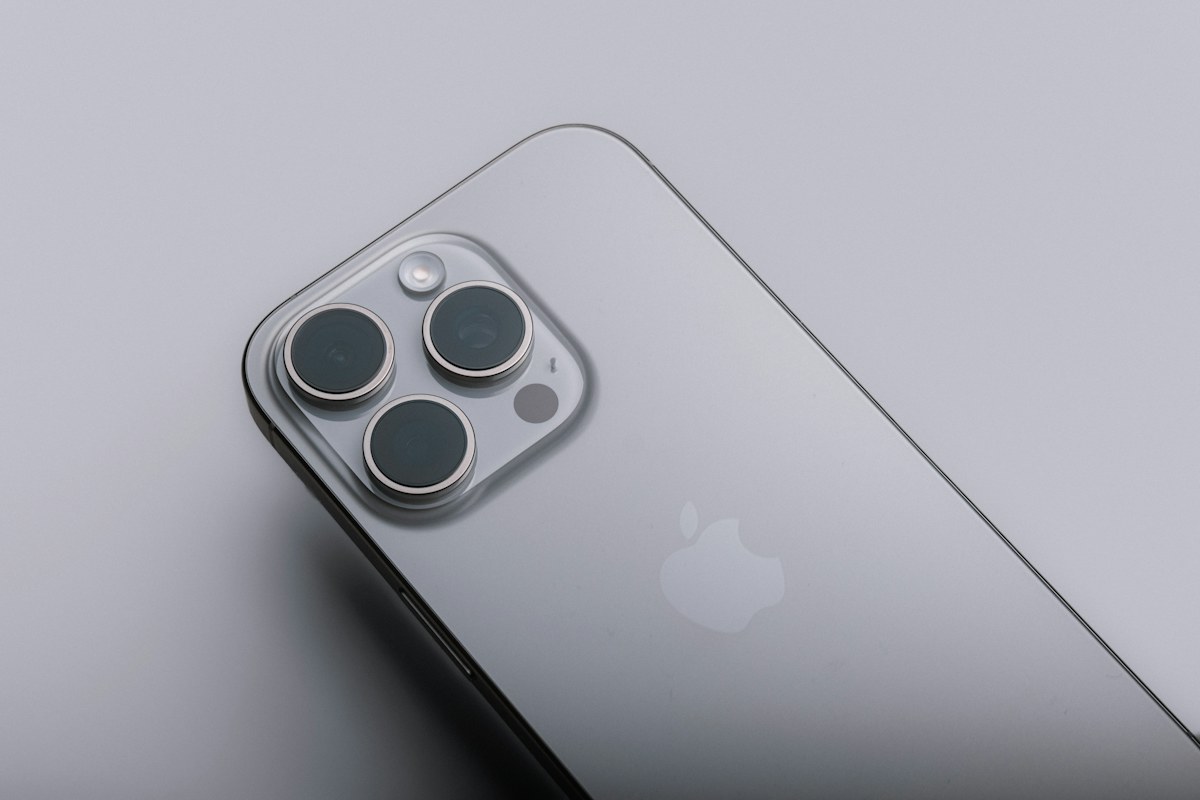
A phone can look ready to sell because its important photographs appear on the replacement. Yet a less visible dependency may remain: an authenticator, a banking app, a locally stored note or a phone number still needed for recovery. I would check those functions before the old device leaves the household.
This is a handoff plan for a phone you possess and are authorized to manage. It is not a recovery procedure for a stolen device. The exact sign-out and erase steps depend on the manufacturer and software version, so the plan links to official instructions rather than offering one button sequence for every handset.
Begin with tasks rather than a list of app icons. Can you receive important messages, access the email used for account recovery, approve required sign-ins and open essential financial or household services? A copied icon does not prove that the app behind it is ready to use on the replacement phone.
Add information that may exist only locally: notes, recordings, downloaded documents or files stored inside a particular app. Do not assume that one general backup includes every item in every application. Follow each relevant provider’s instructions for transferring or exporting what you need.
For a hypothetical family hand-me-down, the previous owner might care most about photographs while forgetting the authenticator used once a month for work. Discovering that dependency before erasure leaves time to contact the organization’s support team. Discovering it after the phone has been reset creates a different, potentially more difficult recovery task.
Use the manufacturer’s supported backup and transfer process, then check the result on the replacement. Open a few important items and confirm that the account holding the backup is the one you intended. A completion message is helpful, but it does not replace checking the particular information and functions that matter to you.
Apple’s handoff guidance begins with creating a backup and transferring information before removing personal information from the old device. Google’s Android reset guidance likewise warns that a factory reset erases data from the phone and recommends preparing account access and backups beforehand. These are destructive steps that deserve preparation rather than an improvised last-minute cleanup.
If something has not transferred, stop the handoff process and resolve that item through official support. Do not promise the buyer a collection time that forces you to erase an unresolved dependency. A small delay is easier to manage than discovering that the only copy of a necessary record has gone.
Manually deleting photographs or contacts can feel like a careful way to clean the old phone, but synchronization changes the effect. Apple warns that deleting certain items while signed into iCloud can remove them from iCloud and other connected devices too. That is different from following the device’s proper erase procedure.
Before deleting a category of information, understand whether you are removing a local copy, changing a cloud library or closing an account. The words on a confirmation screen matter. If the distinction is unclear, consult the provider’s instructions rather than experimenting with an item you cannot afford to lose.
For the hypothetical hand-me-down, the goal is to remove the former owner’s information from the device while preserving what they need elsewhere. There is no benefit in manually emptying every synchronized app first. Use the maker’s documented sequence, including the relevant sign-out and erase choices, for the actual operating-system version.
Review authenticator apps, trusted-device approvals, recovery methods and any service that treats the old phone as a special device. Each provider may have its own migration process. Moving a telephone number or copying a backup does not guarantee that every authentication method transfers automatically.
Confirm an authorized route on the replacement while the old device is still available. Do not remove the only working access method until the provider’s process is understood. For a work-managed app or account, ask the organization’s support team; the household’s device transfer does not override its enrollment or security rules.
If the phone number is changing too, treat that as an additional account task. Apple’s guidance specifically notes the need to maintain trusted-number access in that situation. Keep passwords and recovery codes out of the sales conversation. A buyer or new family owner does not need the previous owner’s credentials to complete a proper handoff.
Find the manufacturer’s current instructions for selling, giving away or trading in the specific device. Follow the required account, device-lock and erase steps in order. A general settings reset can differ from removing all content, and the names of available choices can vary with software versions.
For Apple devices, the official guide addresses account sign-out, erasure and related ownership features. For Android, Google advises checking the device manufacturer’s reset guidance. Do not combine parts of different procedures into a universal recipe, particularly if the device is managed by an organization or has a service restriction you do not understand.
Afterward, verify the expected handoff state without signing the old owner back into the phone unnecessarily. If the device still asks for the former owner’s account during the intended transfer, resolve it through the official process. Do not give the buyer a password as a shortcut around a lock or unresolved ownership step.
Review physical SIM cards, removable memory cards and any carrier instructions for an eSIM. These are not interchangeable items, and transferring or ending mobile service is a separate decision from erasing the handset. Use the carrier’s guidance for the actual arrangement instead of assuming a factory reset cancels the contract.
Subscriptions and paid applications can also continue on the underlying account after the phone is gone. Review only the services you intend to change; selling a device is not a reason to cancel everything associated with its owner. Keep necessary trade-in or sales records free of account credentials and unrelated personal information.
Finally, inspect the package and describe the device’s condition honestly. Remove personal accessories or documents that should not travel with it. A handoff is complete when the former owner retains the access and information they need, the device is prepared under the maker’s process and the new owner does not need a secret belonging to someone else.
No. Check important functions as well as files, including account recovery, authenticator apps and services that recognize a trusted device. Some information may be stored locally inside an application and may not be included in the general transfer. Resolve missing items through official instructions before carrying out an irreversible erase.
Not without understanding synchronization. Apple warns that deleting certain items while signed into iCloud can remove them from cloud storage and connected devices. Follow the manufacturer’s proper handoff and erase process instead of treating manual deletion as a safer substitute. Verify that needed information is preserved independently before removing it from the old device.
Do not assume that it will. Device erasure, carrier service and paid subscriptions are separate arrangements. Follow the carrier’s process for a number or service change, and review subscriptions through their actual billing accounts. Keep the distinction clear so that preparing the handset does not leave an unintended continuing charge or lost service.
Do not use personal credentials as a shortcut around an incomplete handoff. If the device still requires the previous owner’s account or another ownership step, resolve that through the official manufacturer process. The new owner should not need access to the seller’s private account to use a correctly prepared device.
Check with the organization before selling, erasing or transferring it. Ownership, enrollment and data requirements may differ from a personally managed phone. Do not remove restrictions or use an unofficial reset method to bypass management. Follow the authorized process and confirm what information must be retained or returned before the device changes hands.
A careful phone handoff begins on the replacement device: confirm the information and access you still need. Then follow the old phone’s official ownership and erase process, with carrier service and subscriptions handled separately. The final check is simple in purpose, even when the steps vary: the previous owner keeps their digital life, and the next owner receives a device without needing someone else’s secrets.
Have a correction? Contact the editors.
A small arrangement for power, time and restarts can keep routine updates from becoming an endless reminder.
Separate the television, the streaming device and the app accounts so that one changed setting is not mistaken for a complete privacy reset.
A second network name is easy to print on a card. The useful part is deciding what someone connected to it should be able to reach.